
Guided step-by-step
Walk through data, layout, charts, and style. Each step is confirmed before moving on.
cwtwb generates production-ready .twb and .twbx files from natural language. A guided step-by-step process confirms data source, chart layout, and style before delivery.
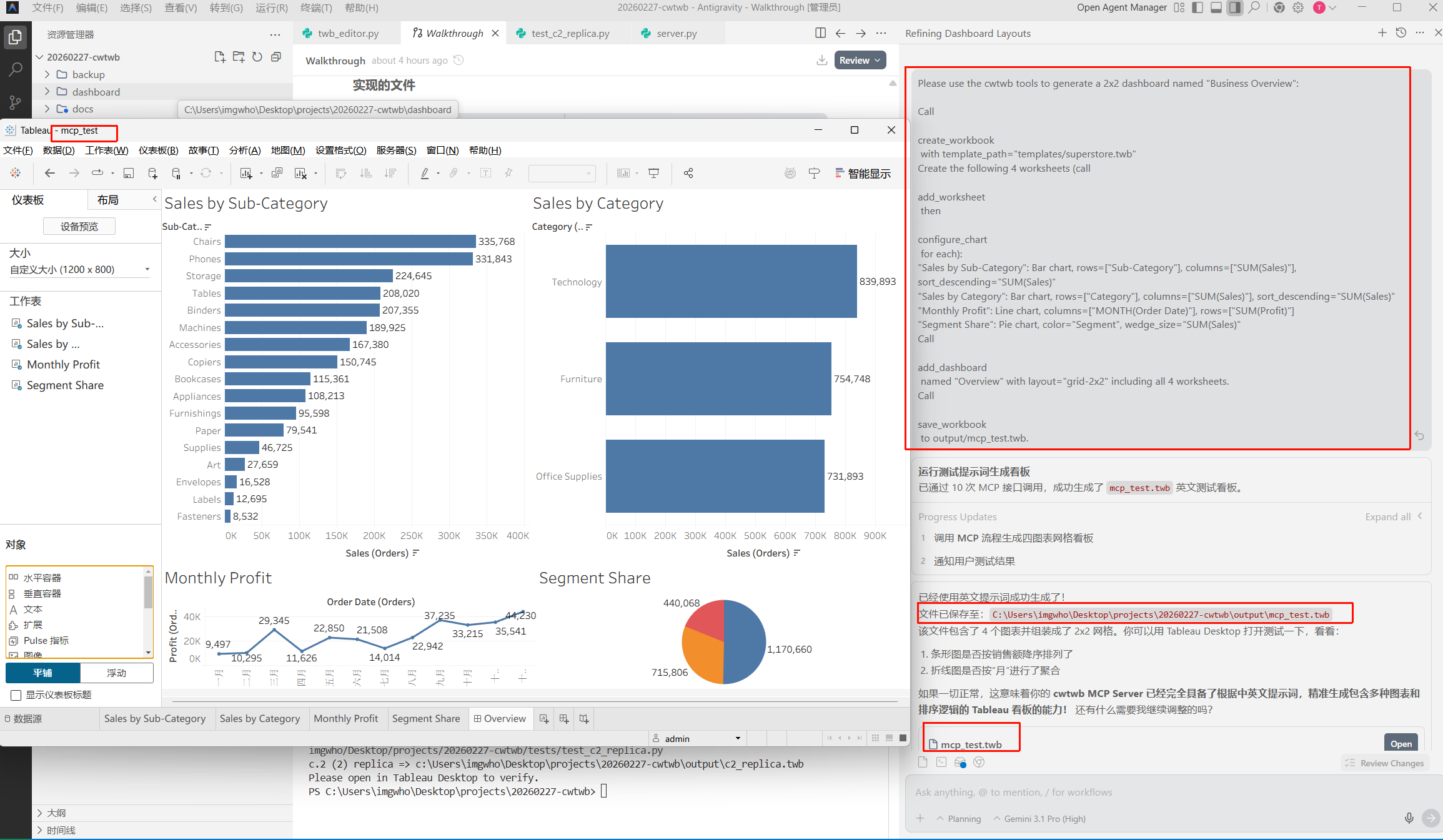
Install the package, configure MCP, then describe what you need. pip install cwtwb
# MCP Server Config Example
{
  "mcpServers": {
    "cwtwb": {
      "command": "uvx",
      "args": ["cwtwb"]
    }
  }
}

# Prompt Example
"Boot a guided authoring process linked to local sales.hyper;"
"Assemble a synchronized dual-axis line chart involving [Sales] and [Profit];"Walk through data, layout, charts, and style. Each step is confirmed before moving on.
Open, modify, and re-save .twbx files including their embedded data.
Built-in recipes for dual-axis, butterfly, Sankey, and more.
Every file is checked against Tableau format expectations before delivery.
| Feature | Datacooper | Default workflow | Advantage |
|---|---|---|---|
| Output | Complete .twb/.twbx files | Temporary chart screenshots | Generate files that can be opened, shared, published, or version-controlled. |
| Layout control | Full control | Fixed auto-layout | Match exact client requirements for sizing, colors, and positioning. |
| Automation | API + CLI | UI only | Generate dashboards from scripts and integrate with existing pipelines. |
No. You describe what you want in plain language and cwtwb handles the Tableau-specific file structure. Knowing basic Tableau concepts still helps you write better prompts.
Generic LLM output often produces XML that looks plausible but fails in Tableau. cwtwb uses a purpose-built engine and validates files before delivery.
Any model that supports MCP tool calls can work, including Claude, ChatGPT through an MCP bridge, Gemini, and DeepSeek.
Yes. You can define brand colors and styling once in your recipe or prompt conventions, and cwtwb applies them consistently.
Core features open source. Advanced features and deployment on request.
Contact Us